Handy features
Bookmarks
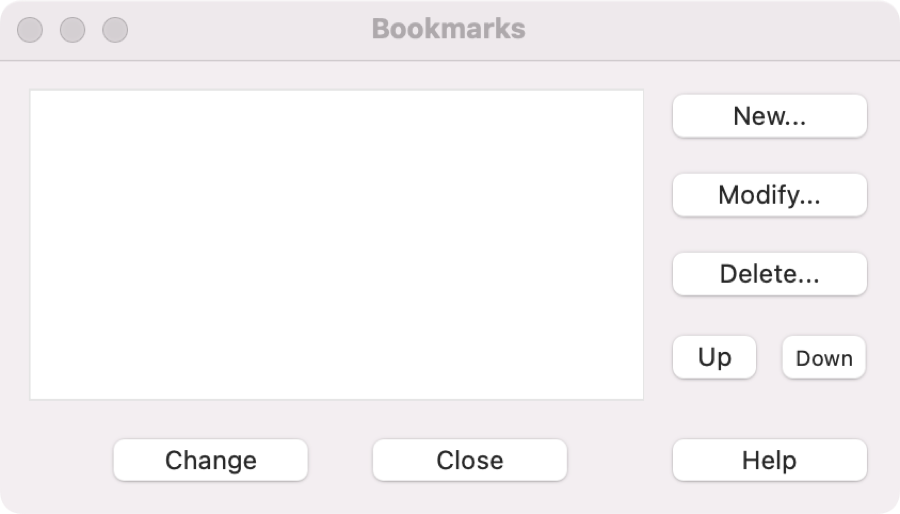
Add folders you use often to the Bookmarks menu. Add Host folder / Add Local folder / Add Both adds the current folder; choosing it from the menu takes you there. Bookmarks are saved per host.
Connection history
When you disconnect, the host and the last folder you had open are listed at the bottom of the File menu. Choose one to connect to the same place again.
Filter, find and select
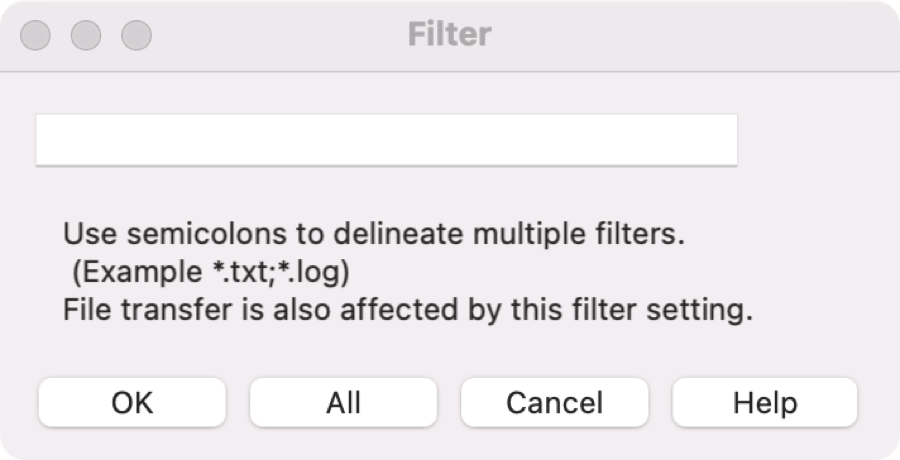
- Filter (⌃Y): show only matching files, such as
*.html;*.css. Transfers follow the filter too. - Find (⌃F) and Find Next (F3): look for a file by name.
- Select (⌃S): select by name pattern, with options such as leaving out files that are newer on the host.
Sorting and display
- Click a column heading (Name, Date, Size, Ext) to sort by it. Click again to reverse.
- View → Sort... sets the order of files and folders in detail.
- Switch between List and Details with the toolbar buttons.
- Display files with leading dot turns showing files such as .htaccess on or off.
Several connections at once
Set Max Connections on the Feature tab of Host Setting to 2–4 to transfer over several connections at the same time.