Advanced features
Features for special environments. You do not need them for everyday use.
macOS firewall settings
Without PASV mode (with "Use PASV mode" unchecked on the Advanced tab of Host Setting), the server opens the data connection to this Mac. Use this when the macOS firewall blocks it.
- Choose macOS Firewall FTP Settings... from the Tool menu (the Mac version of the original's Windows Firewall stateful FTP filter setting).
- The current state is shown. Click Allow and enter the Mac administrator password to allow incoming connections to FFFTP Mac.
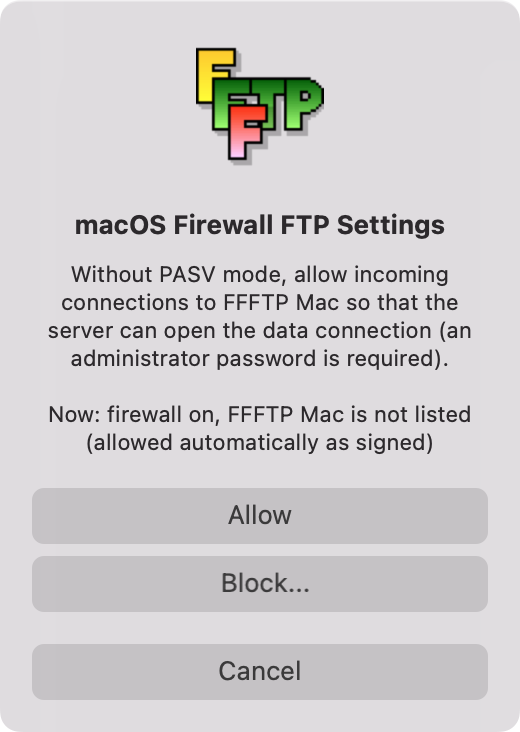
Block... opens the firewall in System Settings and shows what to change. If the firewall is off, or FFFTP Mac is allowed automatically as signed software, nothing needs to be set.
Open router ports automatically (UPnP)
For transfers without PASV mode from behind a home router. Choose Settings... from the Option menu, open the Connecting tab and check Try to control UPnP when using non PASV mode.
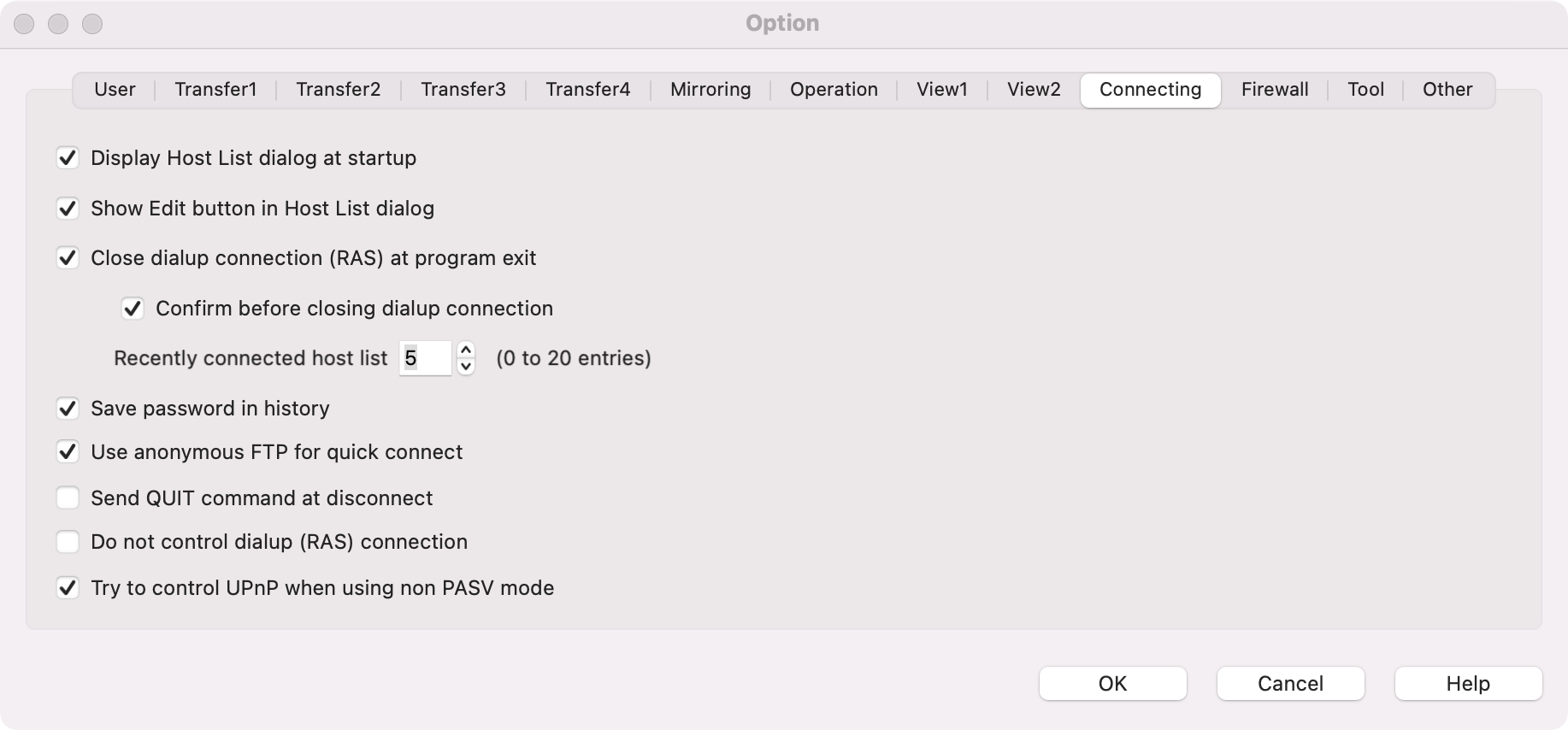
For each transfer, FFFTP Mac asks the router to open the port and tells the server the router's outside address, then closes the port after the transfer. It talks to the router with UPnP, or NAT-PMP for routers without UPnP (such as Apple AirPort). UPnP must be enabled on the router.
Command line options at startup
The original's options work. In Terminal, write them after open -a "FFFTP Mac" --args.
open -a "FFFTP Mac" --args -s "Web server" -d -f -qThis connects to the host named "Web server", mirror-downloads without asking, and quits when done. Handy for automatic nightly backups.
| Option | Meaning |
|---|---|
-s name / --set | Connect to the host with that name |
ftp://user:password@host/path | Connect there; download it if it is a file |
-m / --mirror | Mirror upload after connecting |
-d / --mirrordown | Mirror download after connecting |
-f / --force | Do not confirm before mirroring |
-q / --quit | Quit when the transfers are done |
-sj -e -j -u8 -8b | Kanji code (Shift_JIS / EUC / JIS / UTF-8 / UTF-8 BOM) |
-sjn -u -i -u8n | Kanji code of file names |
-k / --kana | Do not convert half-width kana |
-a / -b / -x | Transfer mode (ASCII / binary / auto) |
--saveoff / --saveon | Do not save / save settings until quitting |
-n file / --ini | The settings INI file |
-z password / --mpasswd | Master password |
-h / --help | Open this documentation |
Debug
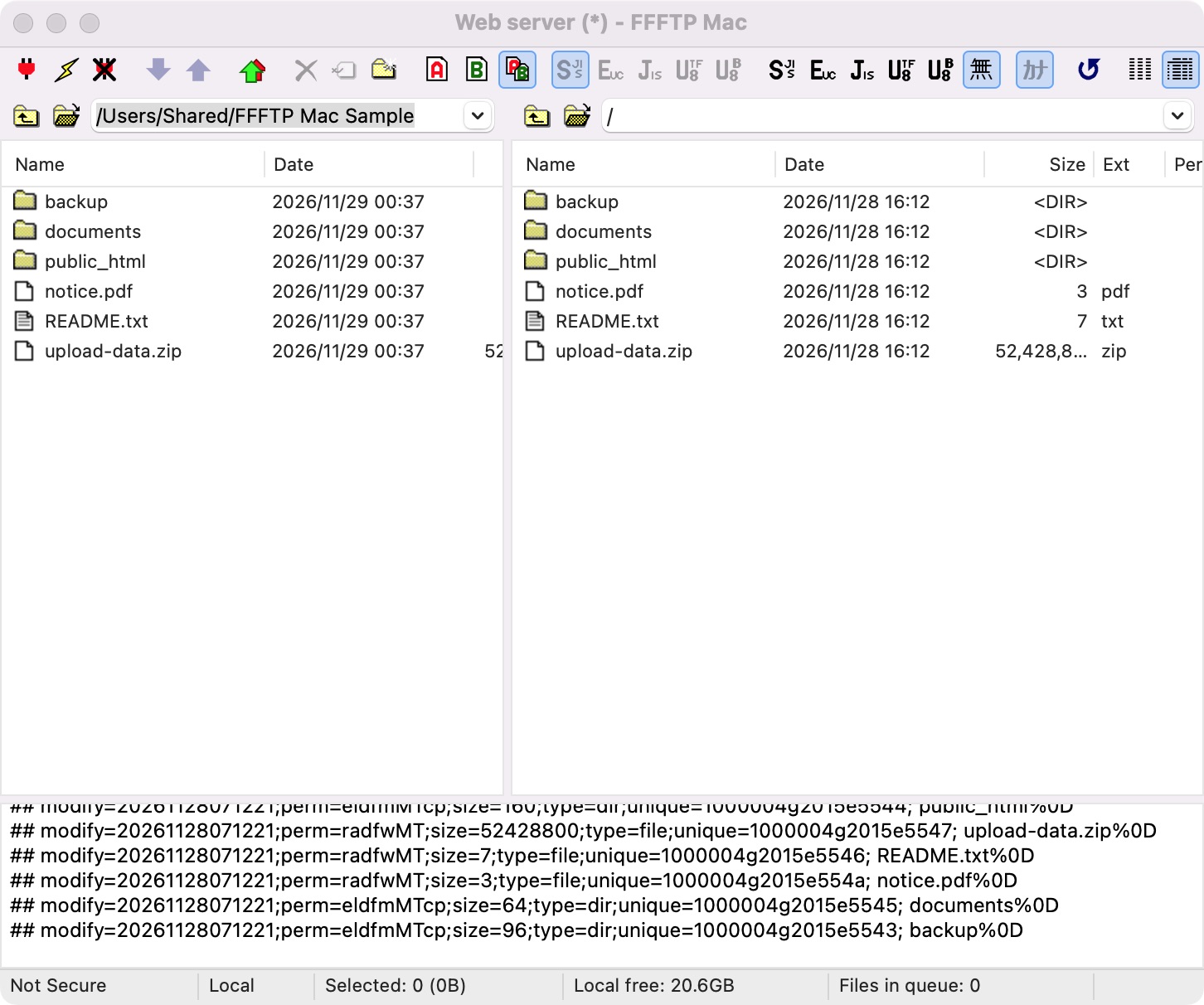
Shows details when something does not work. Check Debug on the Other tab of Option > Settings....
Lines starting with "## " appear in the task window: the raw lines of the file list from the server, data connections, the transfer queue, the lists compared for mirroring and so on. When reporting a problem, please include them.
NonStop Server (Tandem)
Choose NonStop Server as the host type on the Special tab of Host Setting to get the original's handling.
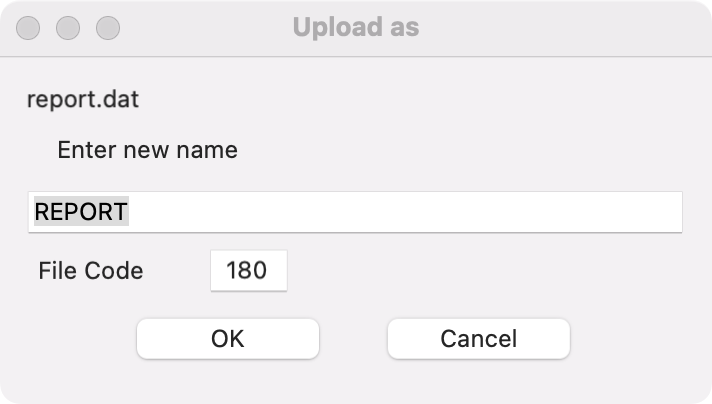
- Uploads to GUARDIAN carry the file code and extents. Extents are made larger automatically for big files.
- Upload As also asks for the file code.
- In auto transfer mode, only file code 101 (edit files) is transferred as ASCII.
- Switch with Switch OSS<->GUARDIAN in the Command menu.
Language
The app is in Japanese and English and follows the Mac's language. To change it, choose Language in the leftmost FFFTP Mac menu and reopen FFFTP Mac.