
FFFTP Mac
An FTP client ported from FFFTP to macOS.
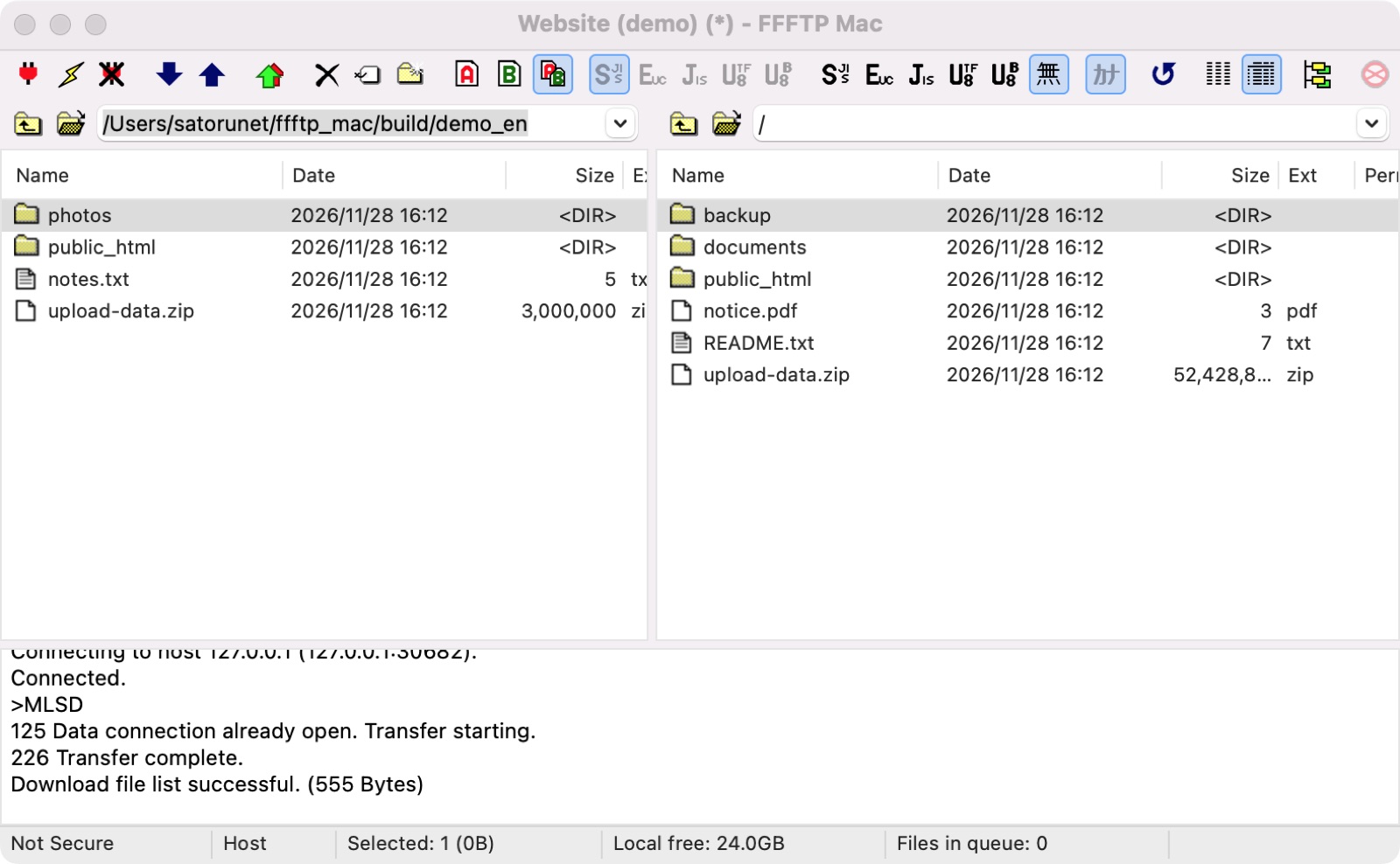
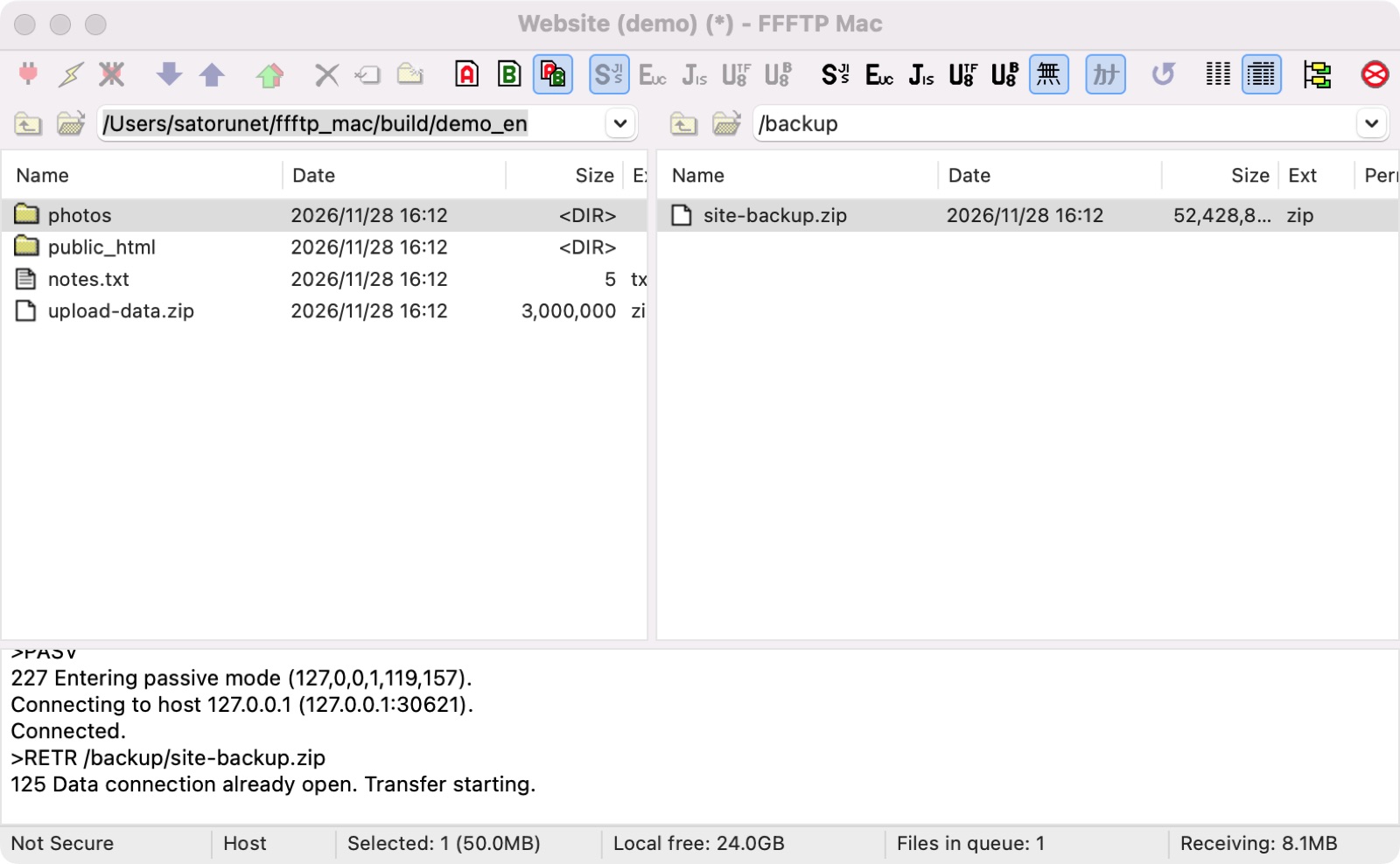
The same FFFTP window and workflow, now on your Mac.
FFFTP Mac is a separate project that forked the original FFFTP and rewrote it for the Mac. It is developed with the permission of the original author, Sota. Please send questions about the Mac version to FFFTP Mac Issues, not to the original project.
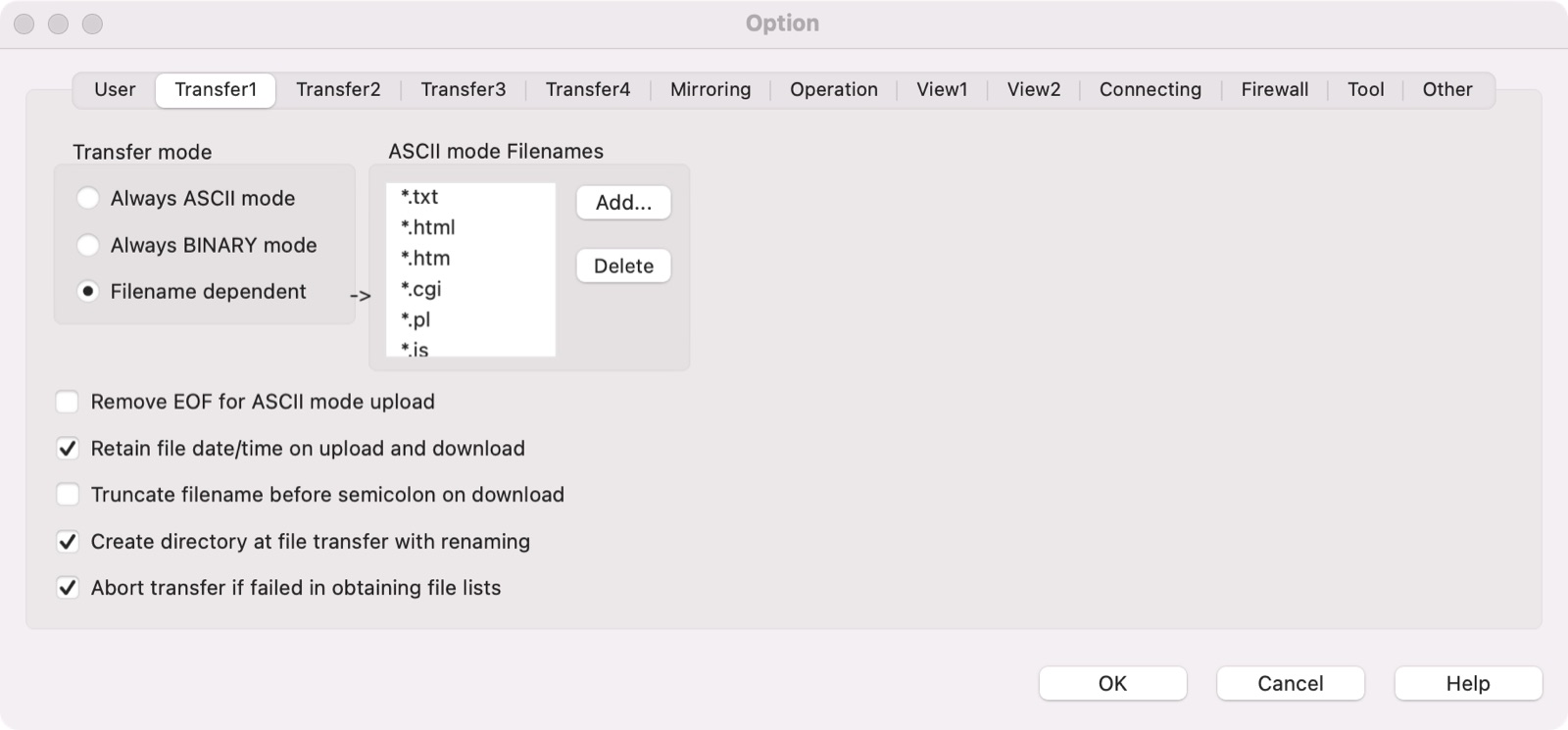
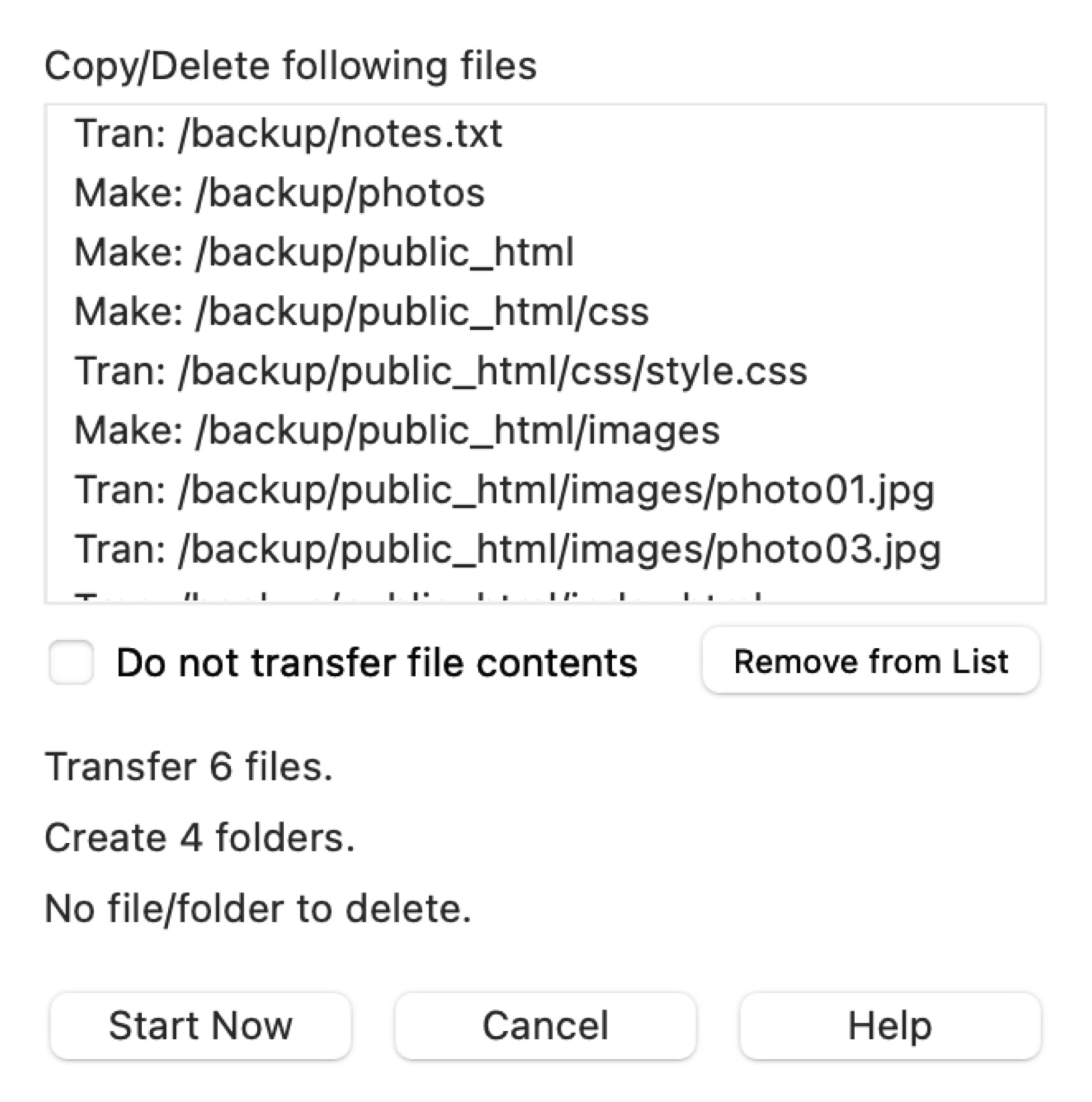
Features
- The same menus, toolbar and dialogs as the Windows version
- FTP and FTPS, plus SFTP and SCP (SSH)
- Dial up (modem / PPPoE) or connect a VPN before connecting
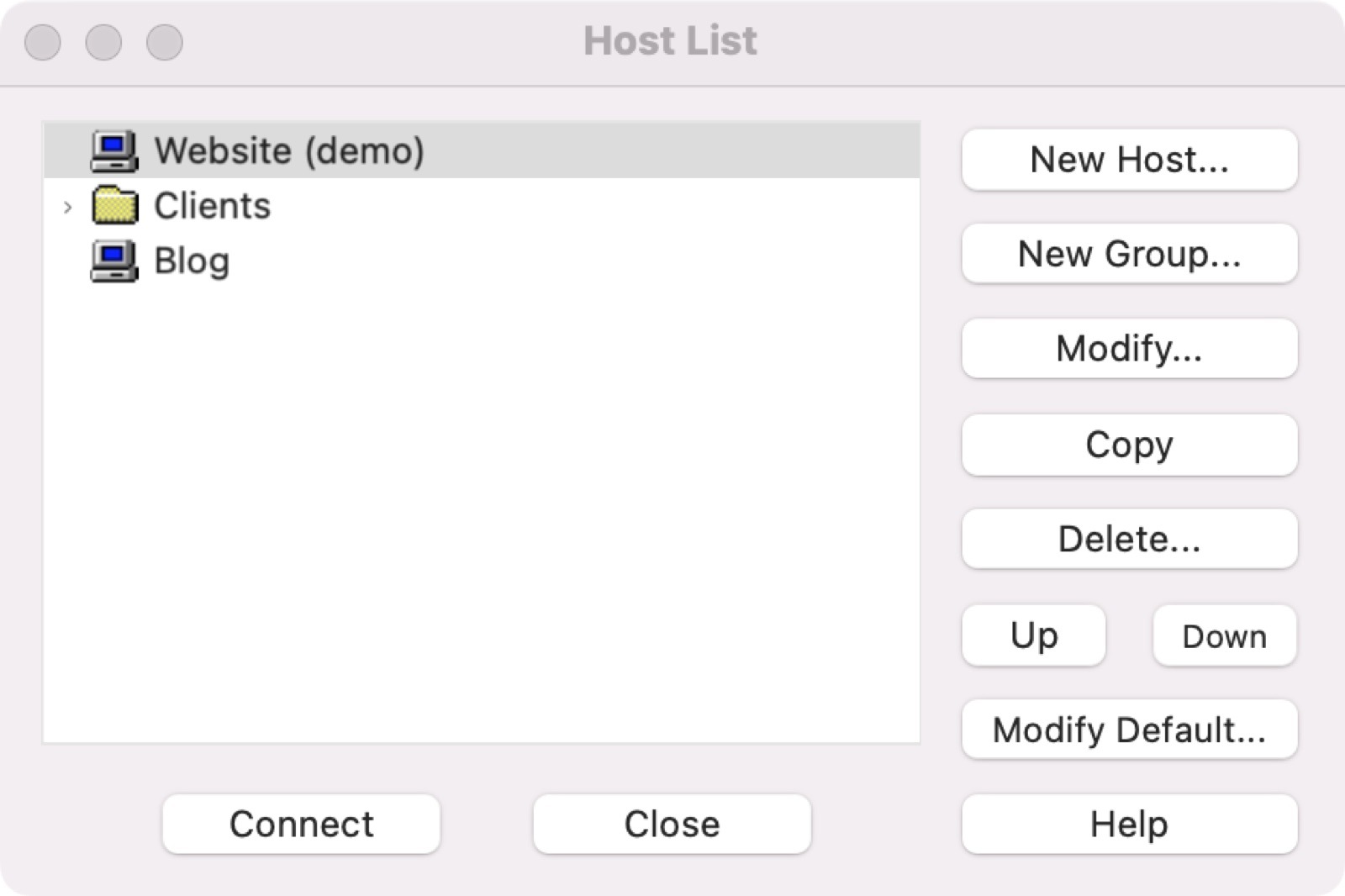
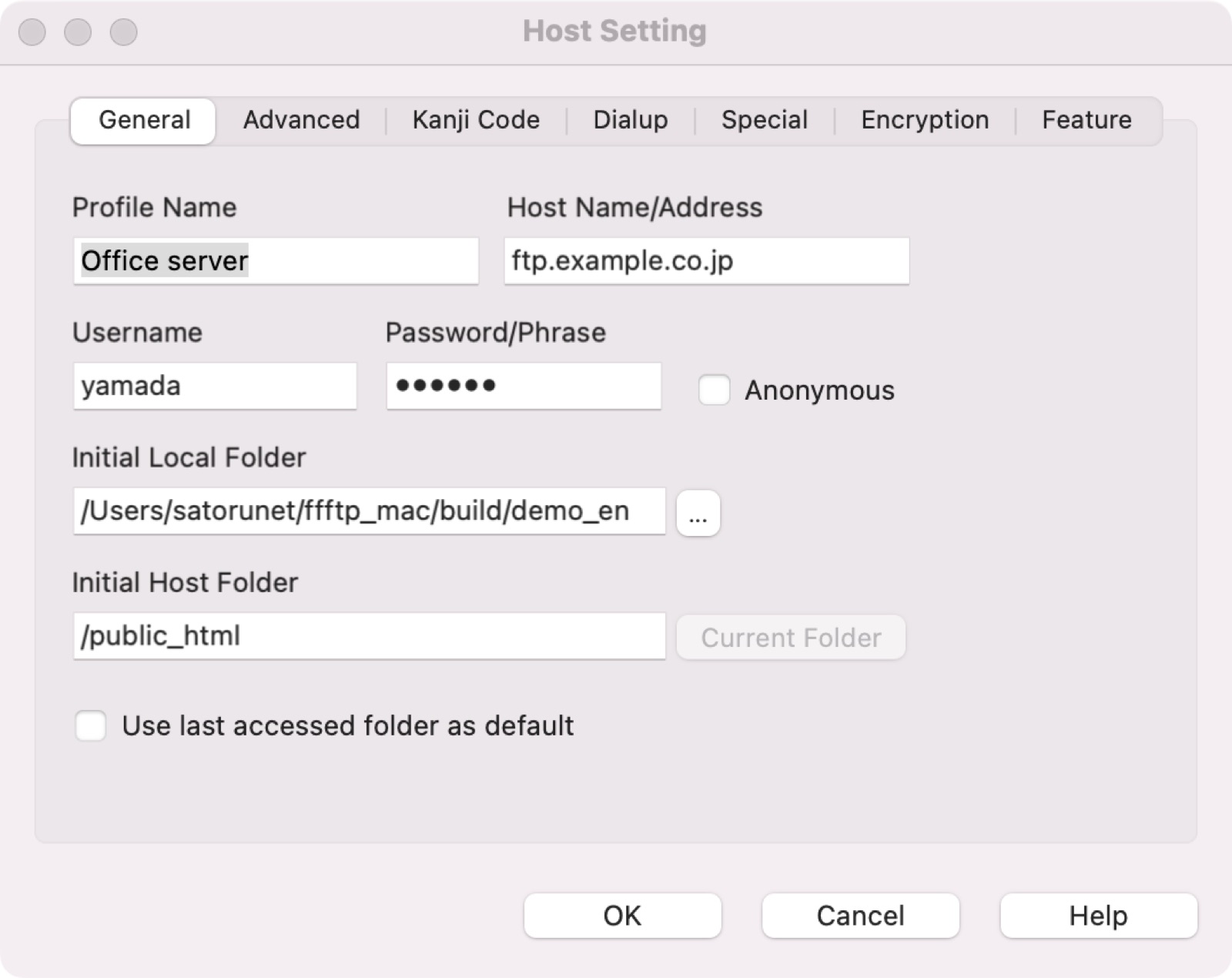
- Host list and bookmarks (passwords are kept in the Keychain)
- Mirroring keeps whole folders in sync
- Kanji code conversion; Japanese file names just work
- Bring your Windows FFFTP settings over, passwords included
Documentation
Everything about using FFFTP Mac. The app's [Help] menu opens the same pages.
Download and install
- Download
FFFTPMac.dmgwith the button below. - Open the DMG and drag FFFTP Mac to the Applications folder.
- Open it from Applications. The app tells you when a new version is available.
Help wanted
Some features have not been tried on real equipment yet, because the developer does not have it: dial-up with a modem, VPN, UPnP on home routers, NonStop Server, newer macOS and Apple Silicon Macs. We are looking for people to try them and to review the code.